
HippoKit vs NotebookLM for instructional designers: when to use each
Update, October 2026. Google renamed NotebookLM to Gemini Notebook in July 2026, and the product has changed since this post was written: slide decks now download as PowerPoint, quizzes and flashcards can be edited, and it can find sources from a topic. This post is kept as written in May 2026. For the current head-to-head, see the HippoKit vs Gemini Notebook comparison.
The L&D AI question of 2026
Every instructional designer we talk to is asking some version of the same question: which AI tool should I actually use?
The answer most of the L&D community arrived at over the past year is Google NotebookLM. Phil Hardman wrote about using it to design better learning. Connie Malamed published five easy ways IDs can use it. CommLab India put it at the centre of a corporate-training guide. Rutgers and Stanford added it to their instructional-design programs. By any measure, NotebookLM is the tool the field rallied around — and for good reason.
So when we built HippoKit, the obvious question came up immediately: if NotebookLM is free, source-grounded, and already trusted, why build anything?
Here is the honest answer.
Two tools, two units of work
NotebookLM and HippoKit look like competitors on a feature checklist. Both produce flashcards. Both produce slide decks. Both produce some form of audio. If you read both product pages side by side, the temptation is to call this a head-to-head and pick a winner.
That framing is wrong. They are doing different jobs.
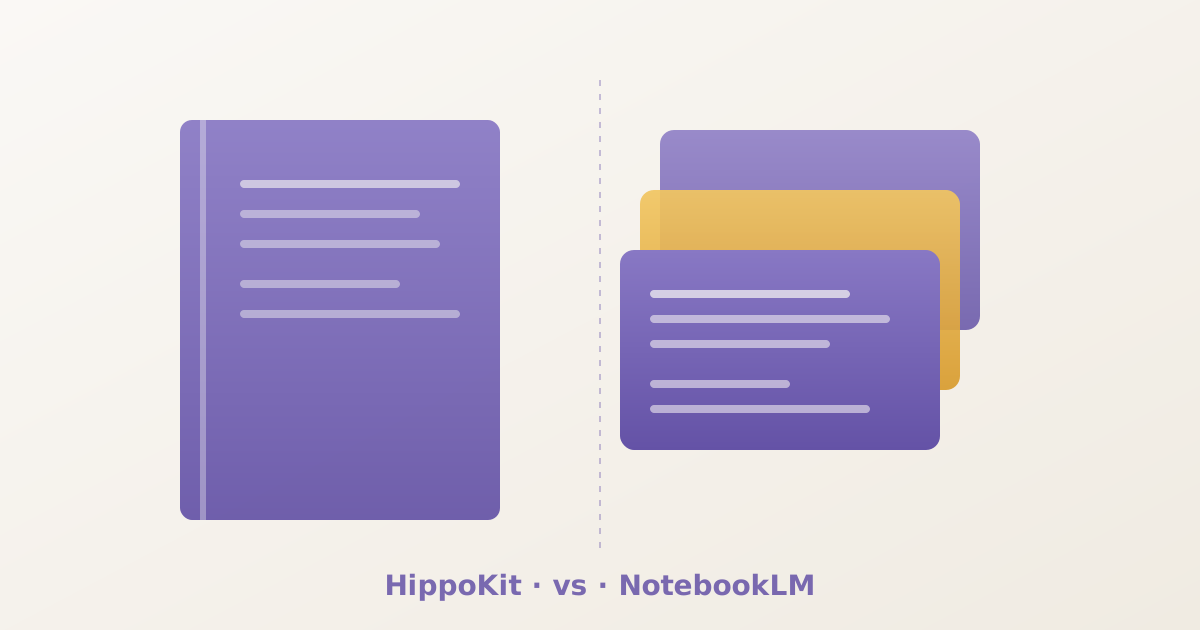
NotebookLM's unit of work is the notebook. You assemble sources — PDFs, URLs, Google Docs — inside a notebook, and then generate outputs against those sources. Audio Overviews, mind maps, briefing docs, study guides, and the rest. The notebook is the workspace; the outputs are artifacts inside it. This is exactly the right shape for research-driven work where citation traceability is the point. When an L&D pro is six articles and three SOPs into a topic and needs to synthesise, NotebookLM is the workspace.
HippoKit's unit of work is the kit. You type a topic — or upload a document (PDF, Word, or PowerPoint) — and HippoKit produces a packaged, shareable bundle: flashcards, quiz, ebook, audience-themed slide deck, and narrated audio lesson. The kit gets a public URL (hippokit.ai/kit/<id>) you can hand to a learner or stakeholder. This is the right shape for deliverable-driven work where the output is the point. When the same L&D pro needs to ship a multi-format training package by Friday, HippoKit is the deliverable layer.
The notebook and the kit are different units. They sit at different points in the workflow.
Where each tool wins
There are some places NotebookLM is genuinely better than HippoKit, and the honest answer is to send people there:
- Source-grounded chat with citations. Every claim NotebookLM makes links back to a specific source page. For compliance work, regulatory training, or any content where citation traceability matters, this is non-negotiable. HippoKit does not currently surface citations the same way.
- Mind maps. NotebookLM's mind maps are interactive, expandable, and good at conveying topic structure. HippoKit doesn't produce mind maps.
- Audio Overviews. NotebookLM's two-host conversational audio is best-in-class for that style. It's a different style from HippoKit's narrated audio lessons — closer to a podcast than a guided explainer — and for many L&D contexts the conversational format gets more learner buy-in.
- Free tier breadth. NotebookLM's free tier includes virtually every output type, capped only at ~3 Audio Overviews per day and 50 sources per notebook. The free tier is more generous than most paid AI tools.
There are also some places HippoKit is genuinely better than NotebookLM, and we'll defend those:
- Multi-format bundle from one prompt. NotebookLM generates each output separately inside a notebook. HippoKit generates the full five-format kit from a single topic in 1–5 minutes. For an ID with twenty modules to ship this quarter, the bundle workflow compresses days of work into single sessions.
- Audience-themed slide decks. NotebookLM's slides are a single generic style. HippoKit's slides come in five named themes — Playful, Academic, Scholarly, Executive, Pitch — so the same content reskins for different stakeholders in one click. For L&D pros who run the same training for an exec audience on Monday and a frontline audience on Friday, the themed deck is unmatched.
- Public shareable kit URL. NotebookLM's notebooks live inside a Google account; sharing depends on Workspace policy and many enterprises block external sharing. HippoKit kits get owner-controlled public URLs that any reviewer or learner can open without an account.
- No Google account required. Some enterprises block NotebookLM as a data-residency or DLP risk. HippoKit's standalone account model removes that procurement friction.
The workflow most L&D pros are converging on
The most useful pattern we see in the wild isn't "pick one." It's a two-tool workflow:
- Deep research and synthesis in NotebookLM. Upload your sources — SOPs, regulations, SME interviews, prior-year training docs. Use the source-grounded chat to confirm facts and pull citations. Generate an Audio Overview to gut-check whether you actually understand the material.
- Deliverable production in HippoKit. Once the topic is settled, type it into HippoKit and produce the multi-format kit. Pick the audience theme that matches your learner profile. Edit the outputs, pick the formats that matter for this rollout, share the kit URL with the SME for sign-off.
- LMS publish in your authoring tool. When SCORM or xAPI is required for your LMS, refine the deck in Articulate Rise or iSpring Suite. HippoKit lives upstream of those tools — it doesn't try to replace them.
This is honest because it matches how serious L&D work actually happens. It is also honest because it explicitly concedes the shape of the market — neither HippoKit nor NotebookLM is trying to be the whole stack.
When you should pick just one
Some teams really do only need one tool. The decision is simpler than it looks:
- Pick NotebookLM if your job is mostly research-driven, your outputs are mostly read-it-yourself reports, and you don't routinely need to ship multi-format learner-facing assets.
- Pick HippoKit if your job is mostly deliverable-driven, your outputs are flashcards plus quiz plus deck plus audio for a specific audience, and you need them shareable as a kit URL or exportable as PDF, PPTX, and MP3.
- Pick both if your job is both — and if you are an instructional designer or L&D consultant, it usually is.
Read the head-to-head
We wrote a deeper head-to-head comparison covering the full feature matrix, exact pricing in US dollars across every tier, and the workflow and persistence differences in detail. If you are evaluating both tools for your team, that's the page to read next.
See the full HippoKit vs Gemini Notebook comparison →
If you'd rather just try HippoKit on a topic you're shipping this week — flashcards plus quiz plus ebook plus audience-themed deck plus narrated audio in 1–5 minutes — start free. No credit card required.
— The HippoKit Team